Getting started
This is the Catenary manual: it comes with every overhead-line product in TRAX Workshop. It tells you what you buy, how you print the parts, how you build them into an overhead line and how you paint them.
Your overhead line comes about in three steps. TRAX3D draws it on your layout: where every mast goes and how the wires hang. WAZO3D turns that into printable parts, made exactly for your tracks. You print them and build them.
1.1 What you buy
TRAX's overhead line is a set of plugins for WAZO3D. A plugin is an extension of WAZO3D that makes one kind of part, at exactly the size you need.
- DB catenary mast. The German overhead line: ordinary masts, masts at a turnout, portals over several tracks and middle masts between two tracks.
- NS catenary portal. The Dutch overhead line, in the kinds NS uses: steel DIN portals, concrete Veluwe and Brabant portals and single masts.
- Tunnel catenary. The low, sturdy masts and ceiling suspensions for inside a tunnel.
- Catenary soldering jig. Universal, for every system: a jig on which you solder the contact wire, the messenger and the droppers to size in one go, for a cross span too.
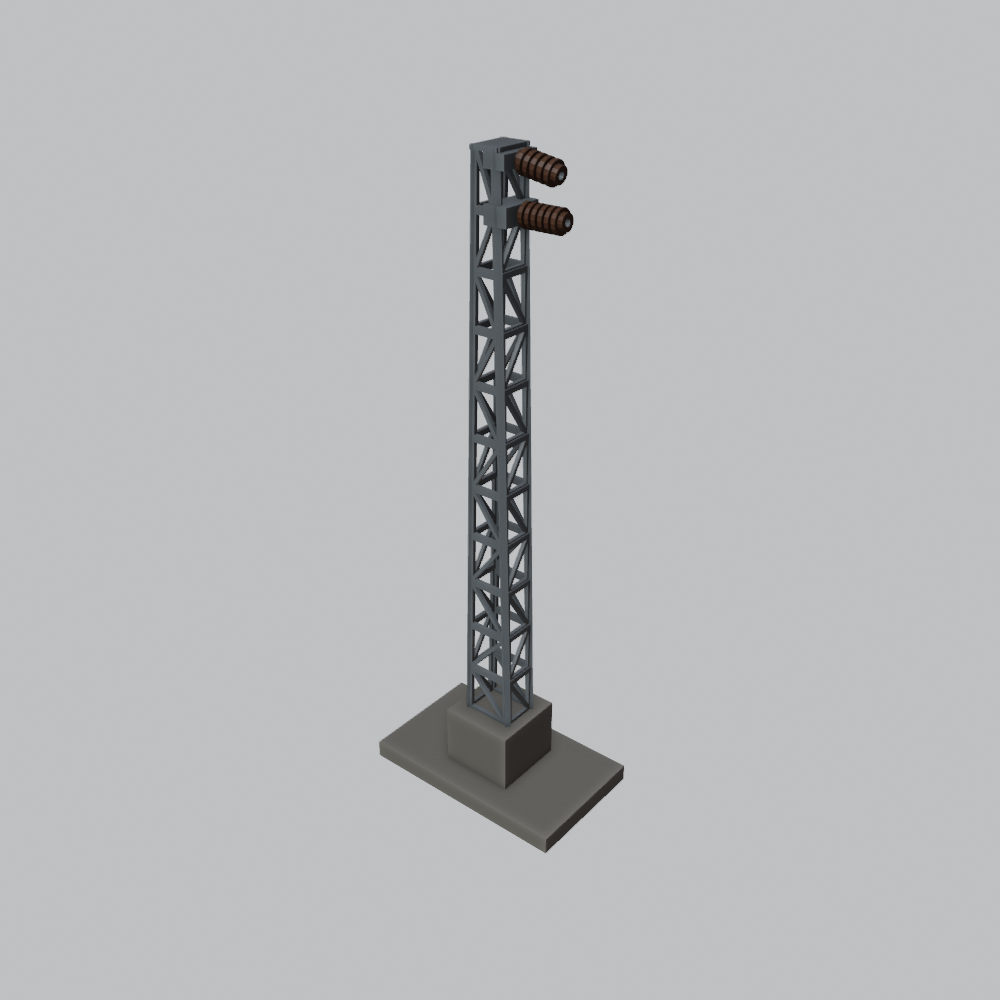
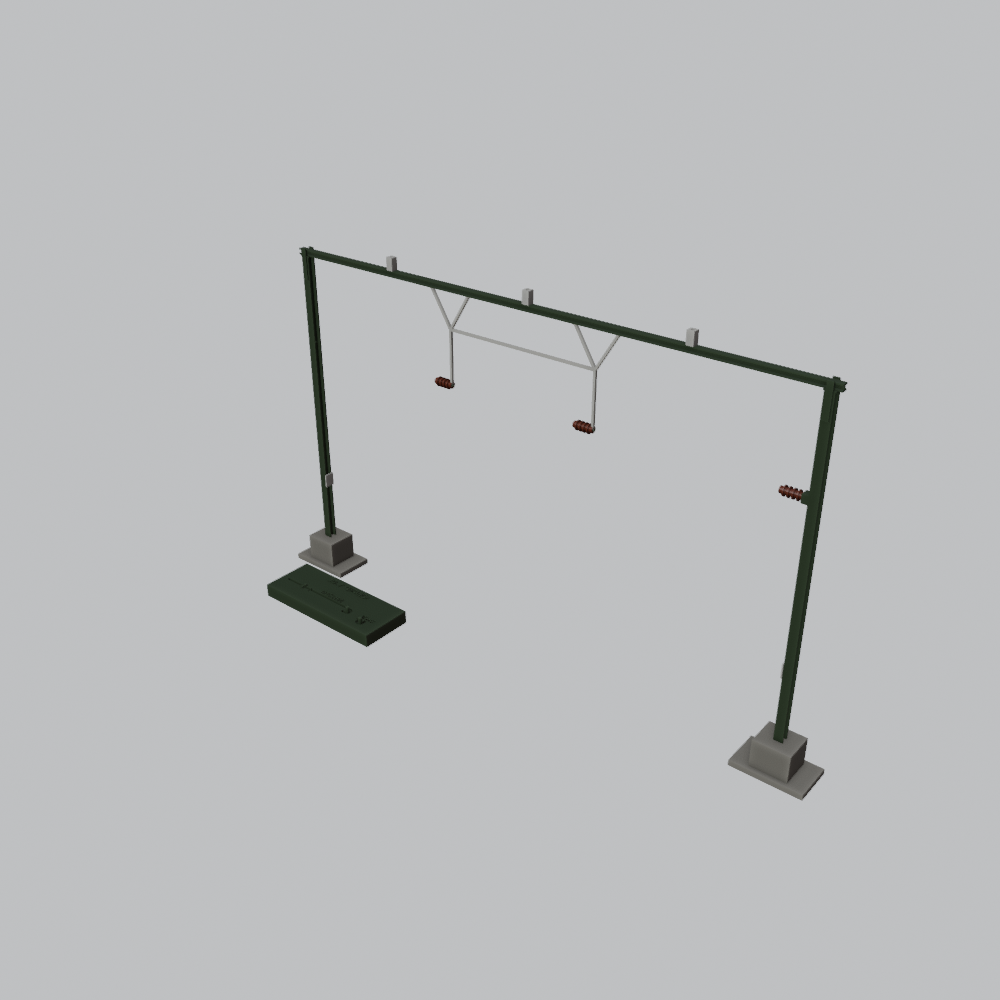
Every plugin makes every scale: H0, TT, N and Z. You buy it once and print as many as you like. The plugins also work on WAZO3D's free plan.
Ordinary masts and made to measure
An ordinary mast you set up yourself and print as it is. But on a layout far from every mast stands in the same place: a portal over three tracks has to be exactly as wide as those three tracks, a mast at a turnout holds two wires. TRAX3D works that out for you and puts a list of every made-to-measure part on your layout's page. Each part opens in WAZO3D with one click, already set up for your layout. How that goes is under Made to measure, and the jigs.
For your own layout
You cannot buy TRAX overhead line in any shop: you make it yourself, to fit your own layout. The plugins are for personal use: you make the overhead line for your own layout with them, as much as you like. They are not meant for making models or prints for others, not even for free. That is why a small plate with your name sits under the foot of every mast.
Does a friend or your model railway club need an overhead line too? Point them to TRAX Workshop. That way new systems and parts keep coming, and everybody gains from that.
Better together
- Missing a variant? Missing a particular mast, portal or type in the plugin you bought? Tell us: we will try to build it in.
- The overhead line of your country. Want a plugin for the overhead line in your country? Help us with photographs and information, and you get the plugin free once it is built.
- Something not right? Did we get a detail wrong? Let us know. If it can be done technically, we will put it right.
Tell us through support or on the forum.
Community Creds
If you are active in the TRAX community, you get a discount on the plugins. How that works is on your Community Creds page.
1.2 What WAZO3D is
WAZO3D is a program for building in 3D, in your browser. You install nothing: you open the site, sign in and start. You build buildings, parts and models with it, and you turn them into a file your 3D printer can read.
TRAX Workshop's plugins run in WAZO3D. You buy them in WAZO3D's shop; WAZO3D is the seller and delivers them. After the purchase they are in your WAZO3D account, switched on and ready to use.
What you need
- A WAZO3D account. If you have none yet, it is made with your first purchase.
- A computer with an up-to-date browser.
- A 3D printer, or a print service that prints for you (see Resin or filament).
- A slicer: the program that comes with your printer and turns a model into layers, for instance Chitubox or Lychee for resin.